Shopping Cart
There are no more items in your cart

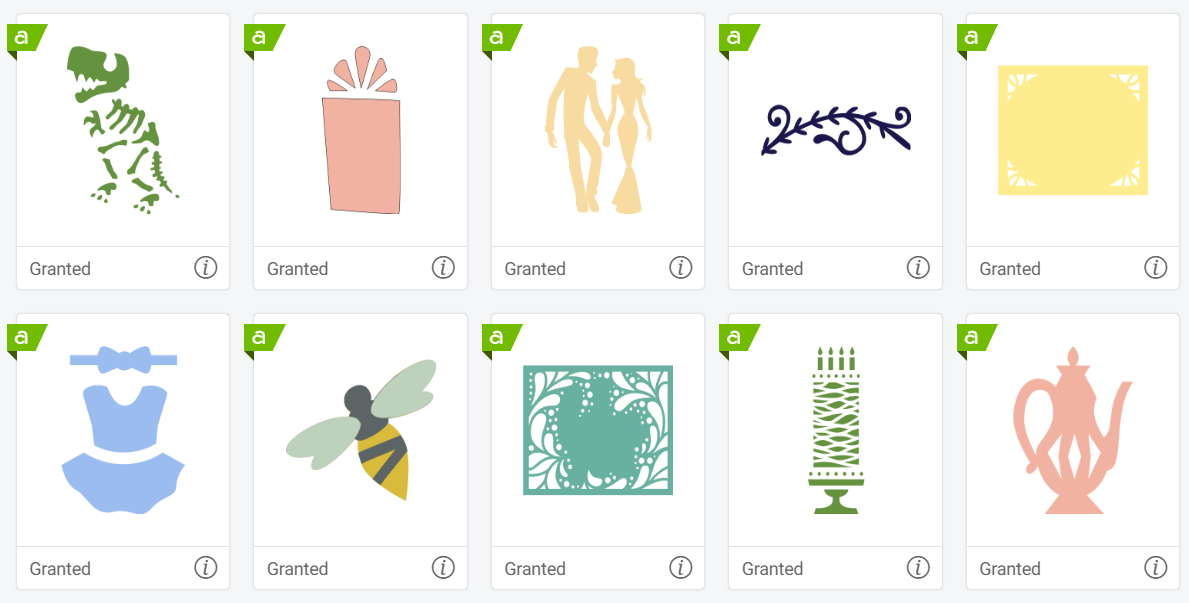
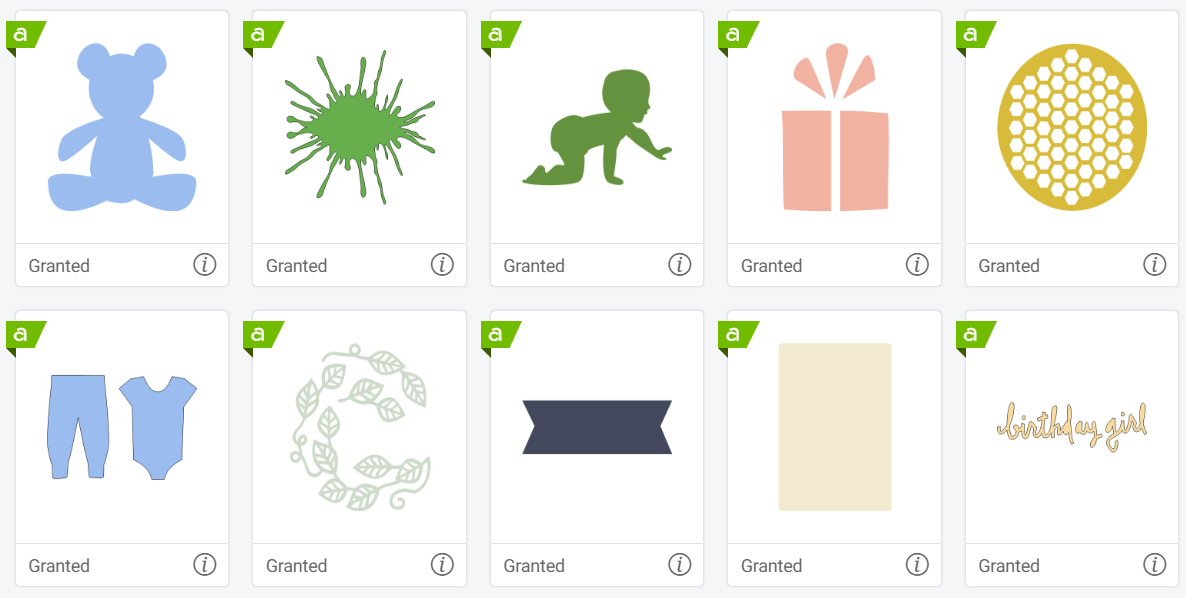
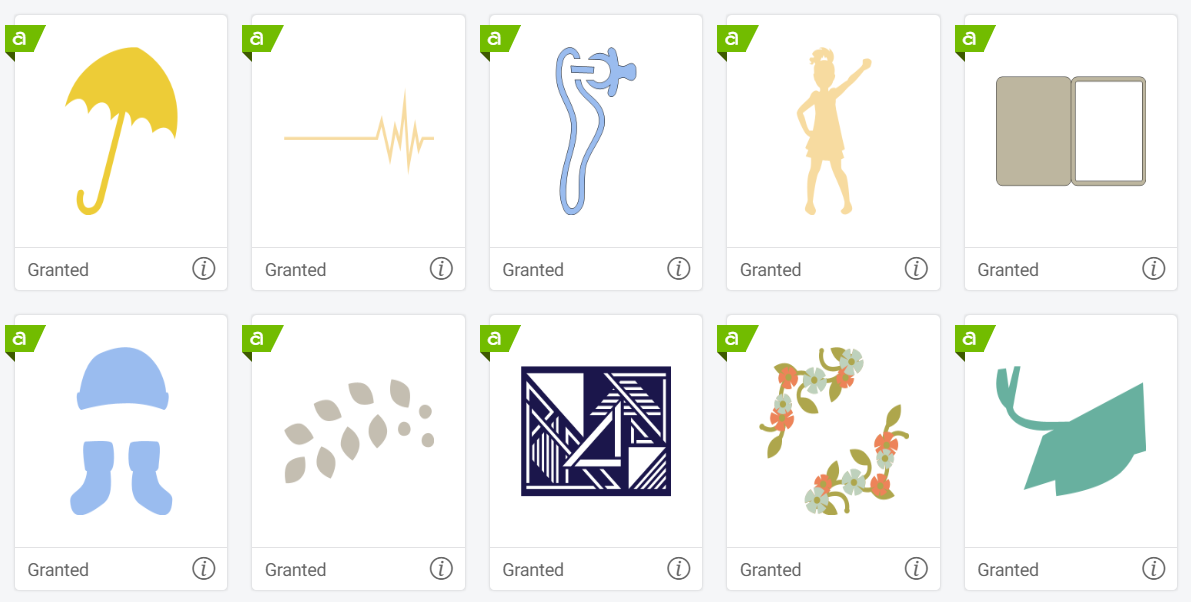
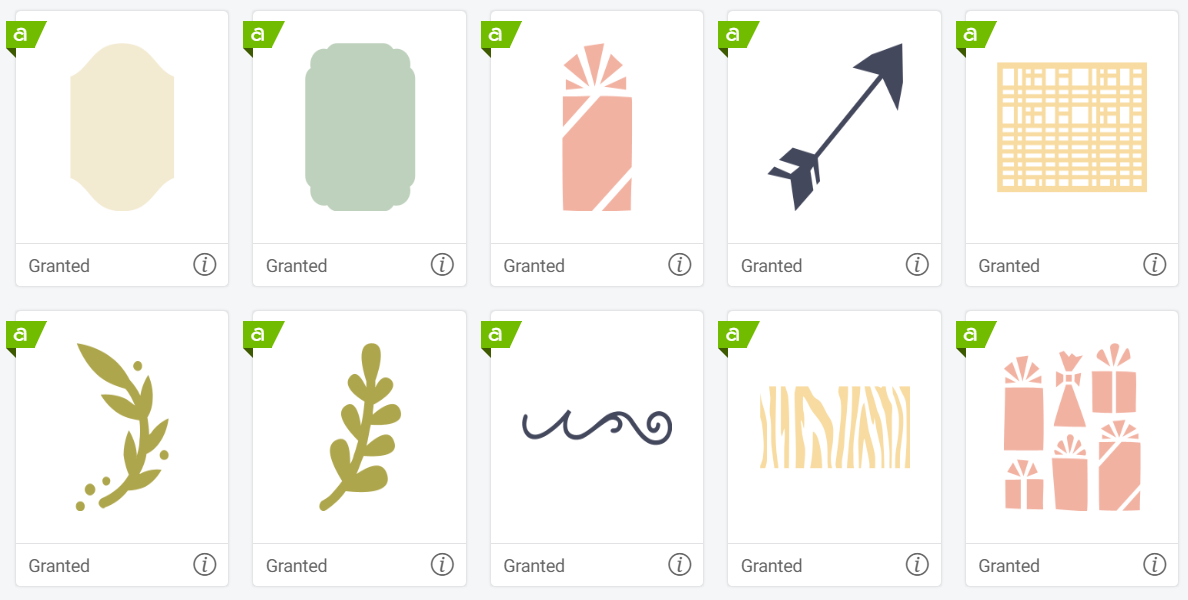
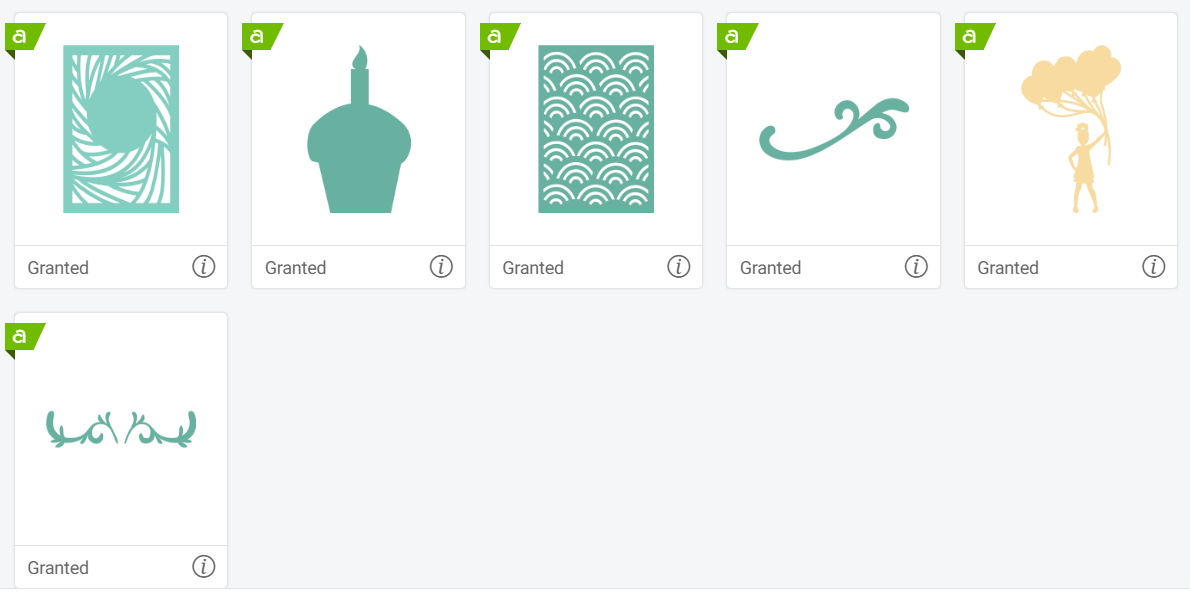

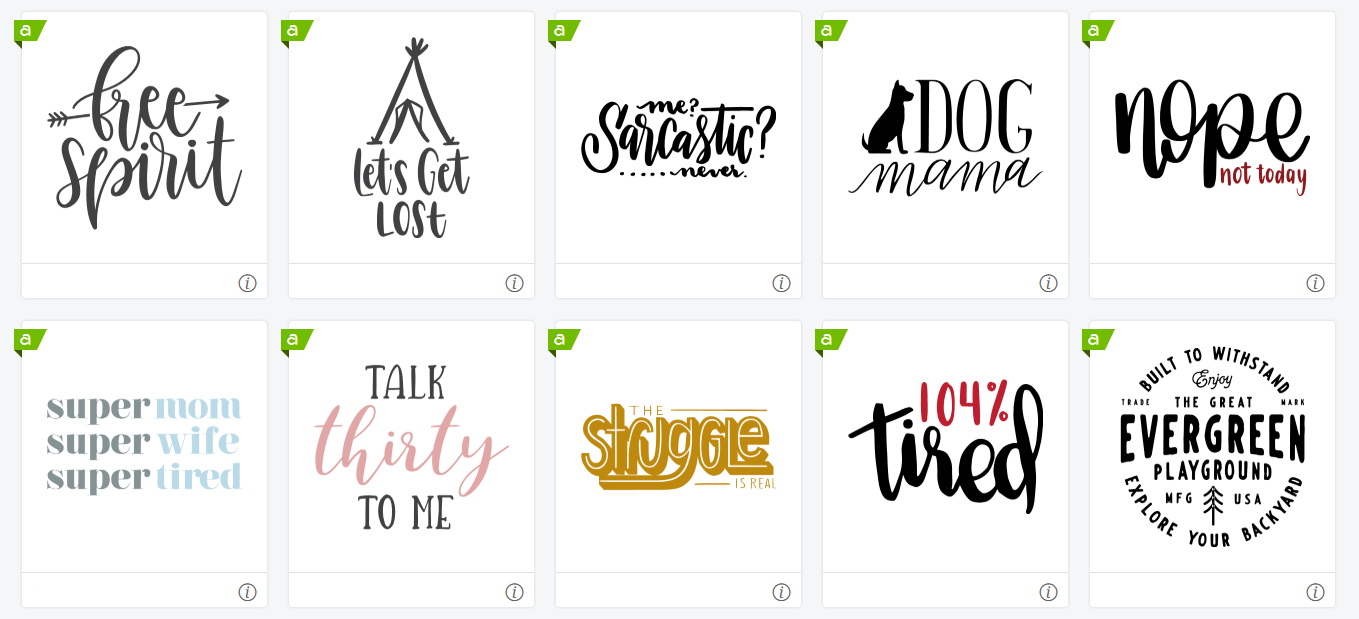
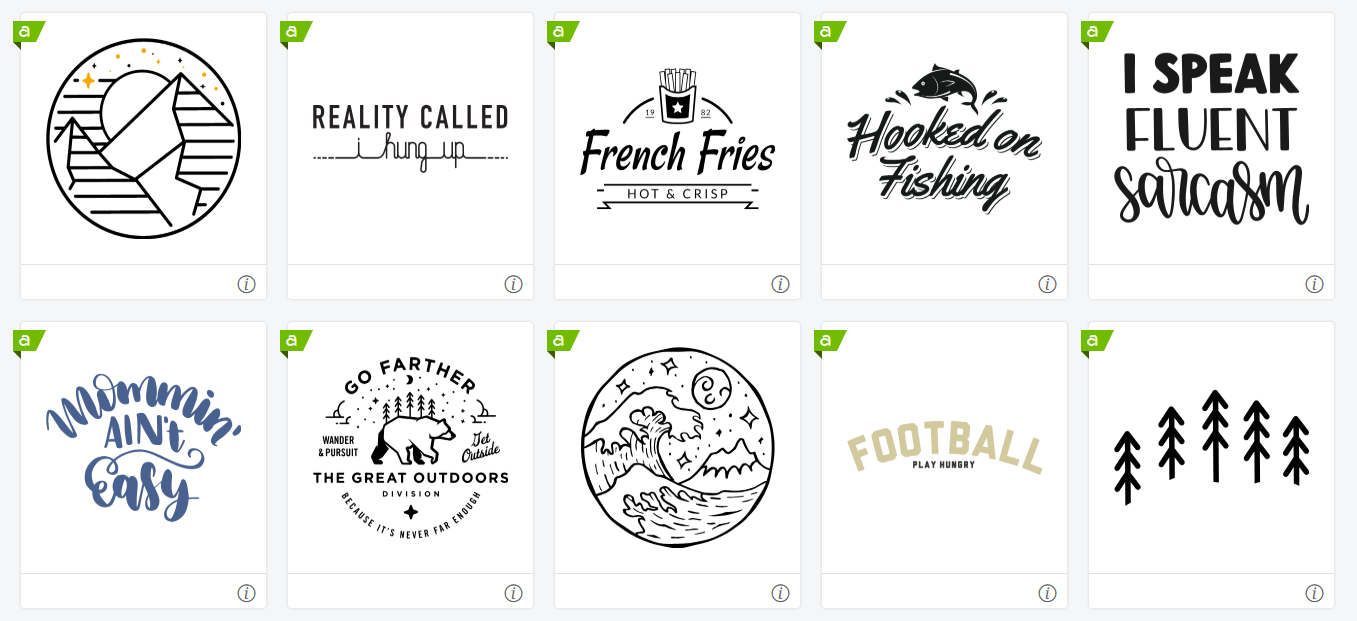
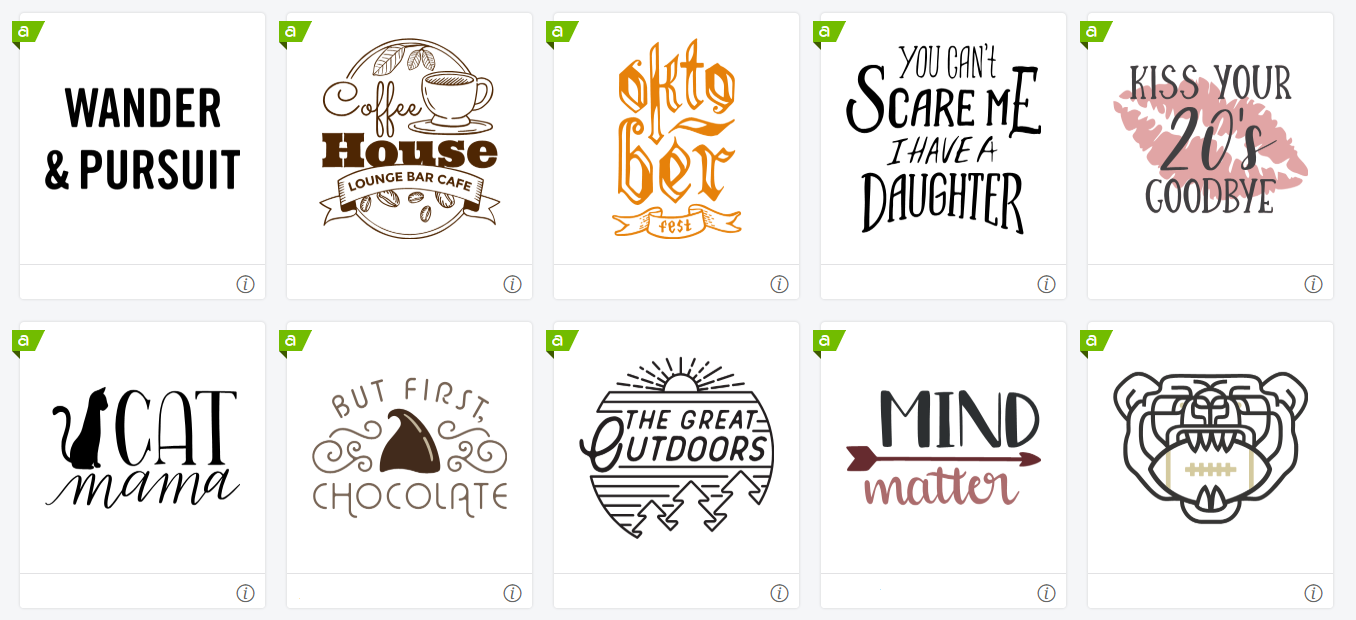
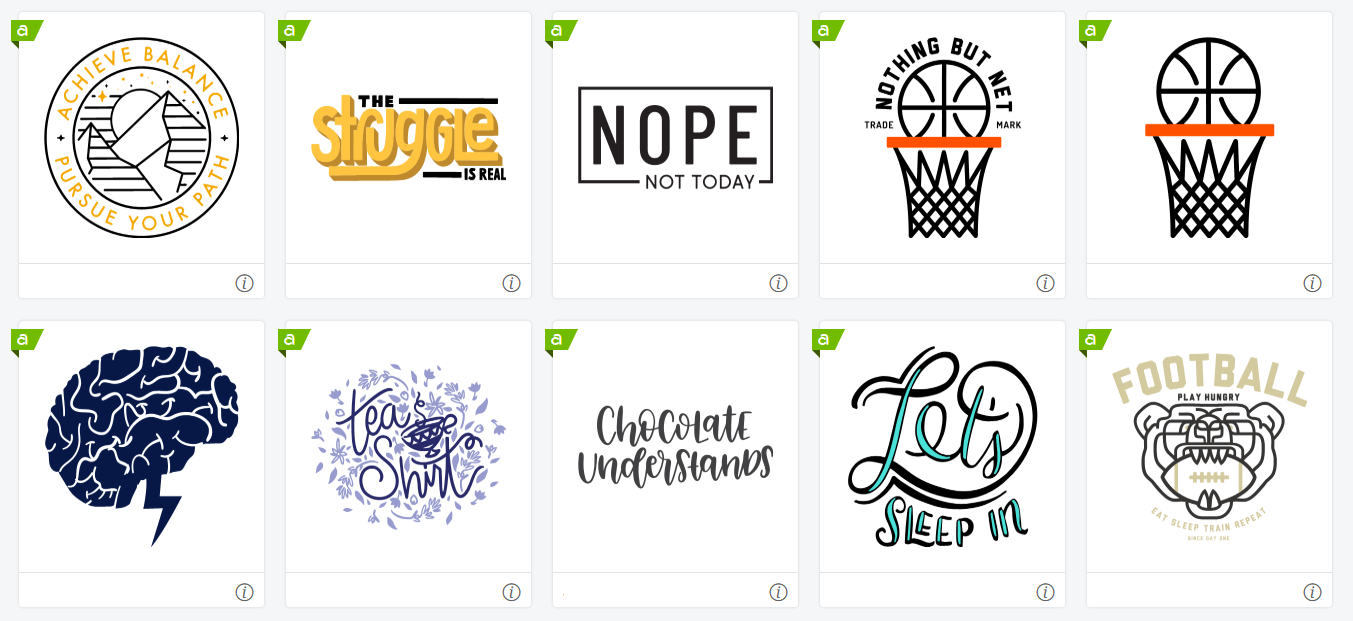
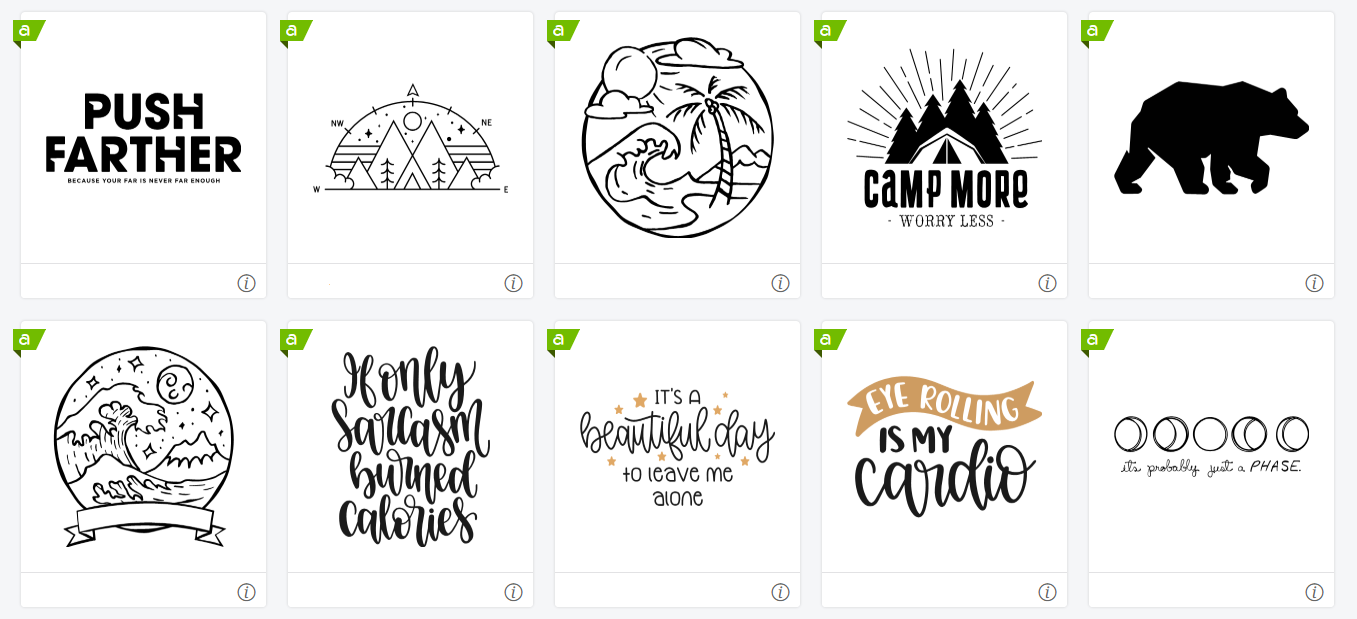
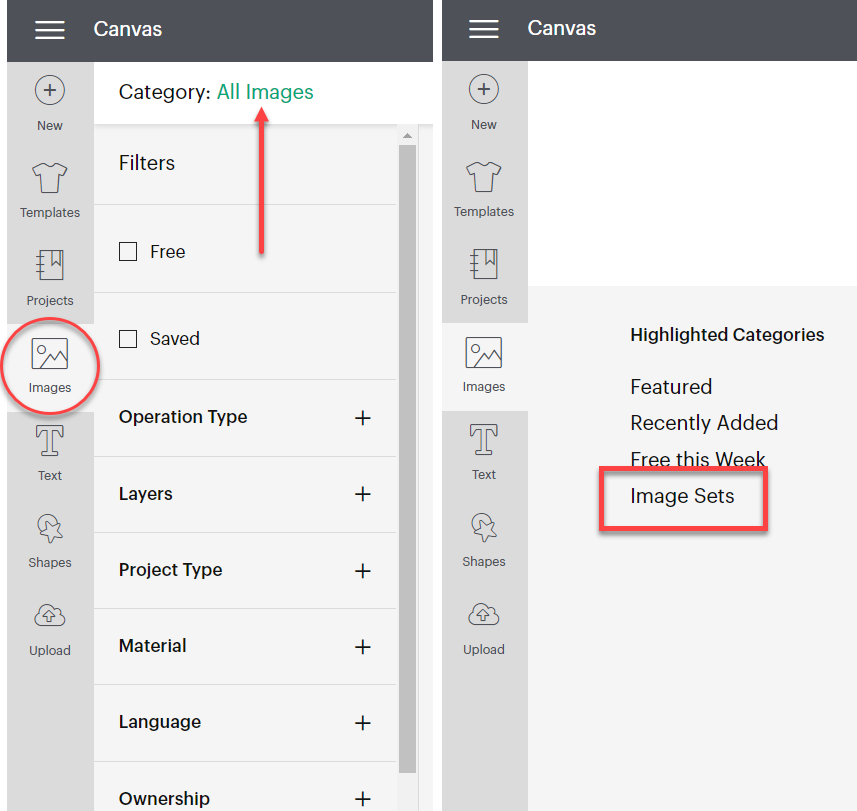
1. Select Images on the left of Canvas. Select All Images, then Image Sets under Featured Categories.
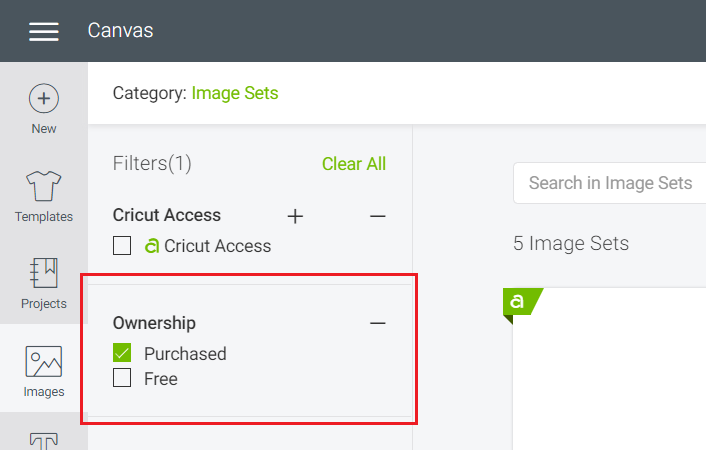
2. Select Owned, then the Purchased filter to view content that came free with your machine, content you've purchased from Design Space, or cartridges you've linked to your account. The t-shirt collection image set will be marked as Purchased once setup on your new machine is complete.
1. Select Images at the bottom of the Canvas. Then select Filters > Categories: All > Image Sets.
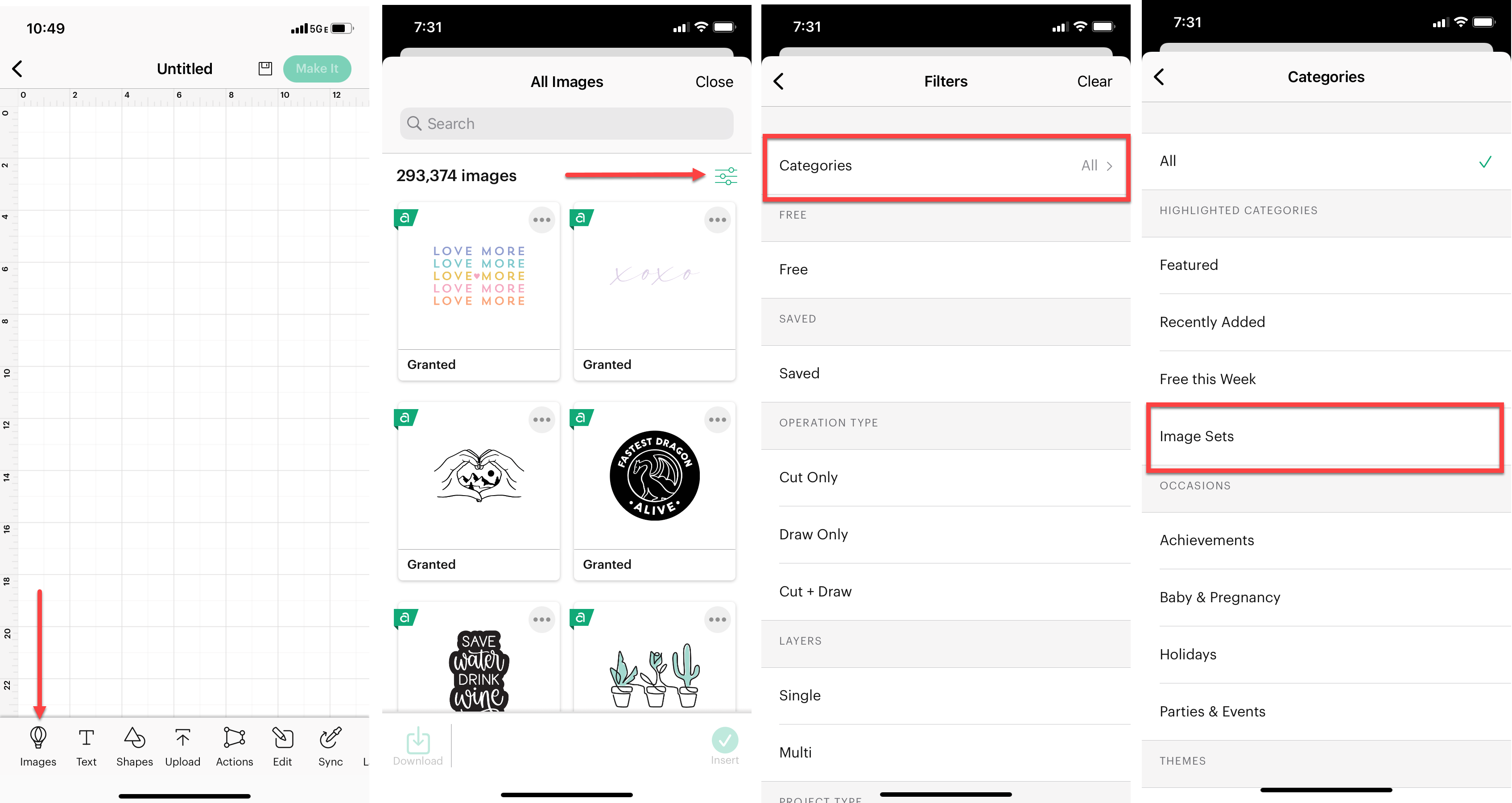
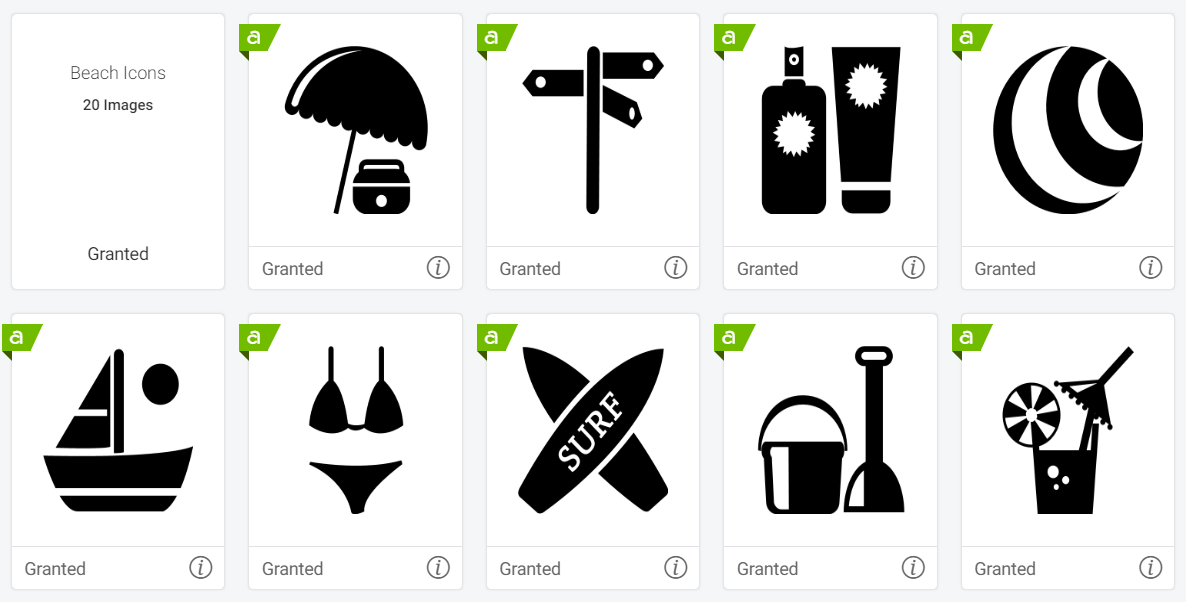
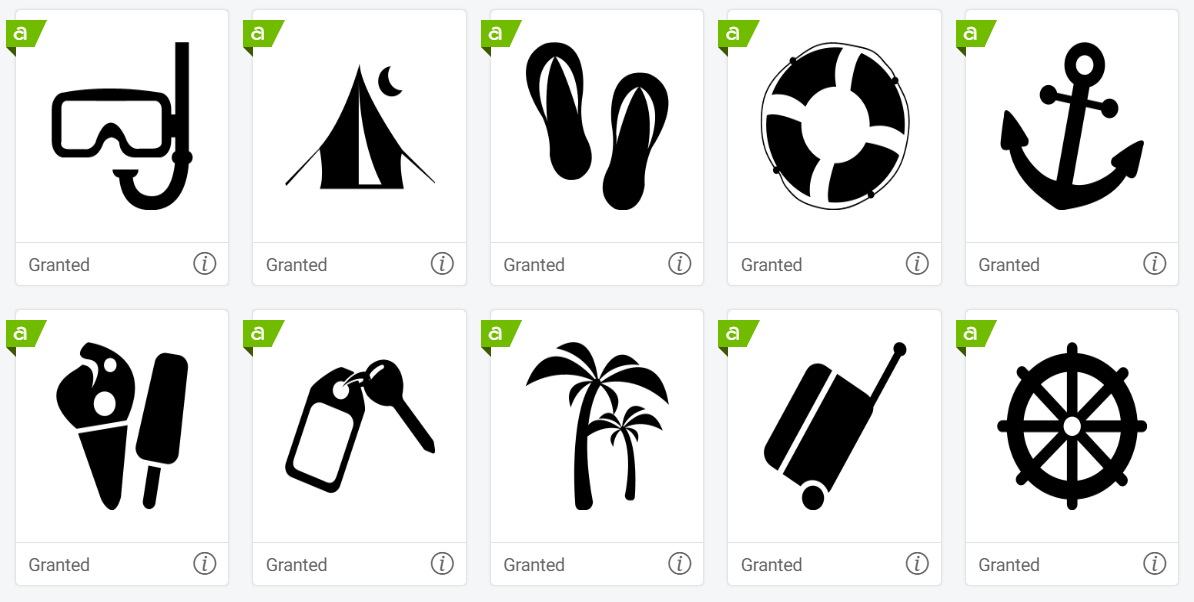
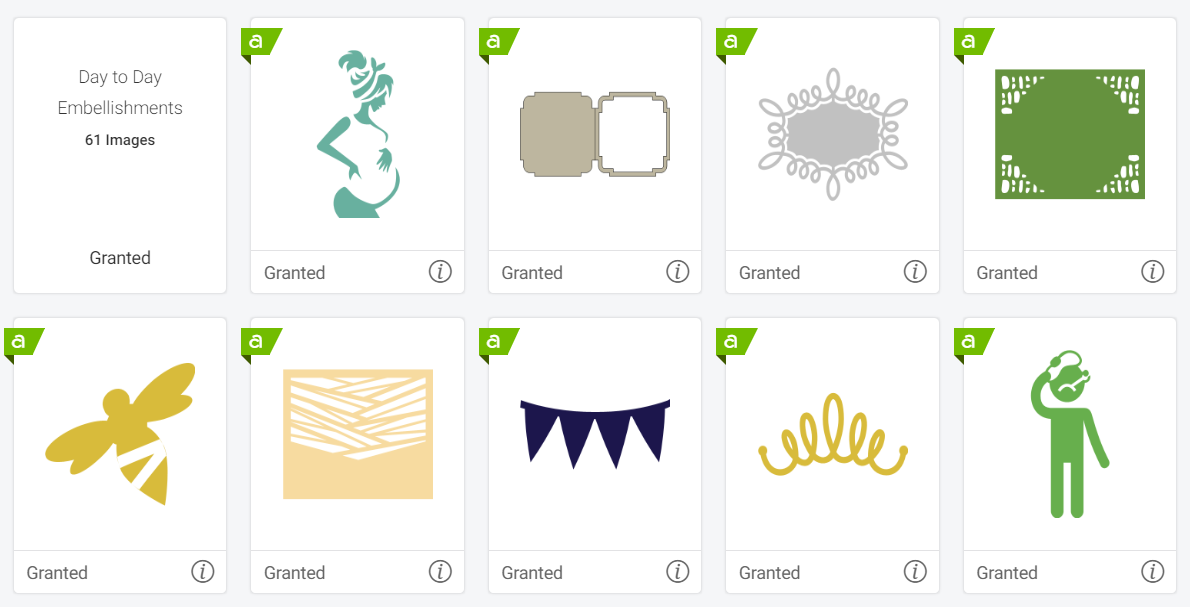
2. Select the filter in the top right. Then select Ownership > Purchased > Done to view content that came free with your machine, content you've purchased from Design Space, or cartridges you've linked to your account. Image sets of Beach Icons, Everyday Decorations, and the T-Shirt Collection will be marked as purchased once the new machine setup is complete.
.png)
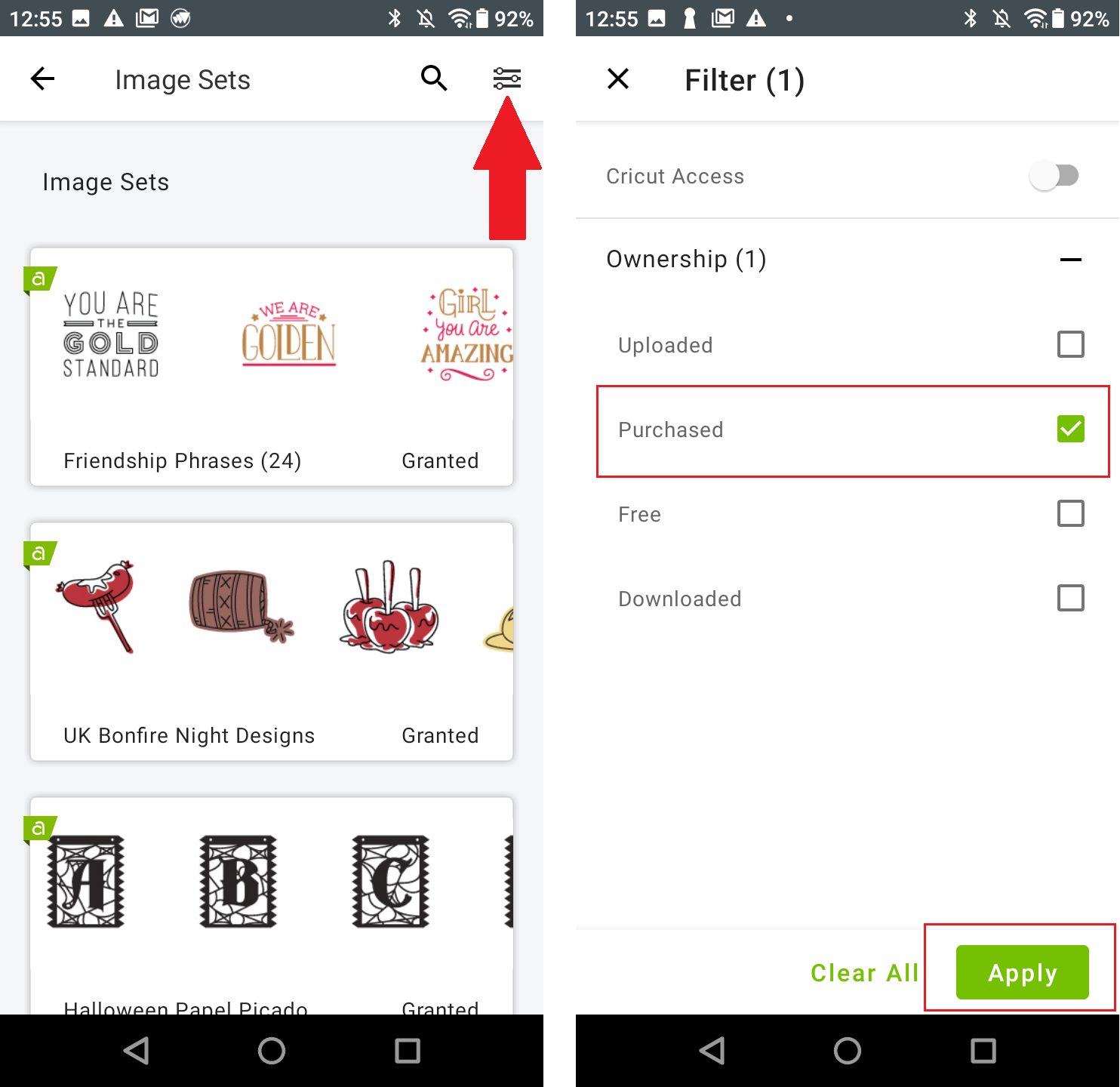
1. Select Image at the bottom of the Canvas. Then select Image Sets under Featured Categories.
.png)
2. Select the filter at the top right. Then select Ownership > Purchased > Apply to view content that came free with your machine, content you purchased from Design Space, or cartridges you linked to your account. The Beach Icon Image Sets, Everyday Ornaments, and T-Shirt Collection will be marked as purchased once your new machine setup is complete.