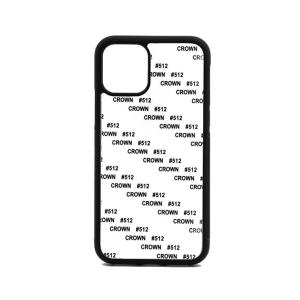
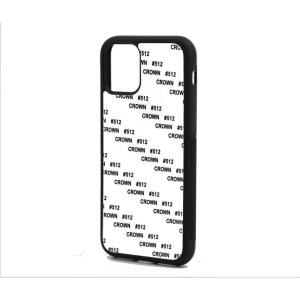
2D Flexible Cases for Samsung Galaxy S24 Ultra
€2.99 Price excludes VAT
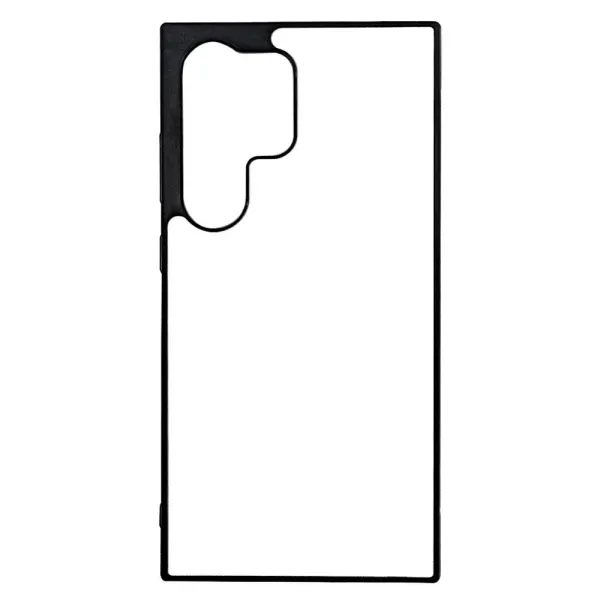
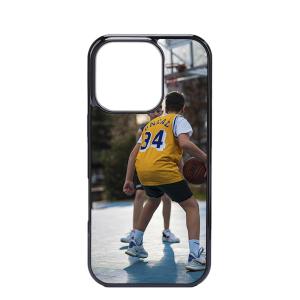
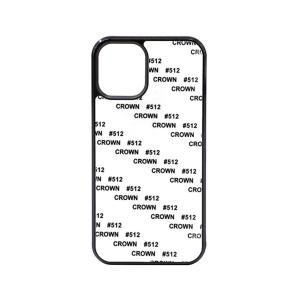
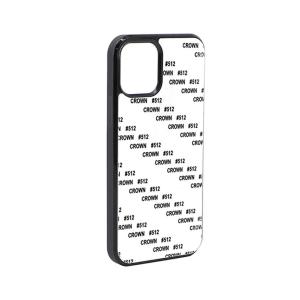
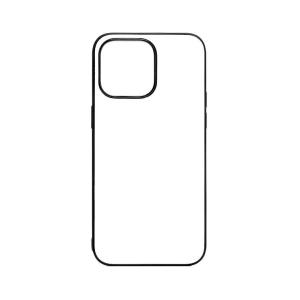
€3.62 Price includes VAT2D aluminium plate cases for Samsung Galaxy S24 Ultra are customizable using the sublimation technique.
- The printing is performed on an aluminium plate that adheres to the cover's top part using an adhesive.
- Impact resistant, it protects the mobile on all sides.
- It fits the Samsung Galaxy S24 Ultra perfectly and all telephone apertures.
- Material: High-quality material, long-lasting and ultra-lightweight. The sides are manufactured in TPU, similar to silicone, and the front part is in PC.
- Plate material: Aluminium (included).
- Finish: Glossy print.
Marking techniques
- Sublimation
The aluminium plate sublimation cases for the Samsung Galaxy S24 Ultra are prepared for sublimation on the top part, with the sides of the case remaining in black.
The cases cover both the top and the sides.
- Article: 2D sublimation cases for Samsung Galaxy S24 Ultra
- Material: with flexible sides.
- Printing technique: sublimation
- Print: the entire plate
- Cases models
- Galaxy S24 Ultra
- Case material
- TPU (flexible)
- Type of case
- Flexible
- Material
- TPU (flexible)
- Brand
- Samsung
- Marking techniques
- Sublimation
240000035
New
How to sublimate 2D Flexible Cases for Samsung Galaxy S24 Ultra?
Sublimation times and temperatures are for reference only and may vary depending on the press, paper, inks, or environment. It is recommended to run tests before production.
- 1.- Do the printing in mirror mode.
- 2.- It is advisable to let dry the paper for 5 minutes.
- 3.- Preheat the press to 180ºC.
- 4.- First, place the paper with the printed part up. Then, put the sheet looking down. Try to make this process as fast as you can in order to preserve the press temperature.
- 5.- Close the press for around 60 seconds and make pressure on the sheet.
- 6.- Once this time has passed, with the help of protective gloves, take out the sheet of the press and then remove the paper.
- 7.- Leave the sheet cool for a few minutes.
If after following our advice you cant do the printing correctly, please contact us using the contact form or the telephone: +34 93 486 90 25
The print on the case has white dots or lines.
These small marks are produced because a speck of dust has remained on the surface between the sheet and the paper. It is important to clean the area well before doing the sublimation.
Marks are visible on the print.
If the printing is done face up, marks may appear as if they are raised. To solve this defect, it is advisable to turn the sheet upside down.
The sheet has a protective plastic.
Before making the sublimation on the sheet, it is necessary to remove the protective plastic, otherwise the printing will not be done correctly.
Adjust the temperature.
The tonality of the colors may be affected and a white powder residue may appear produced by the abrasion of the polyester. Avoid exceeding the recommended temperature.
When printing I see tonality changes.
If changes in tonality are seen, it is advisable to follow the temperature and sublimation time indications to the letter. The excess or lack of temperature apart from causing changes in tone can produce remains of dust due to the abrasion of the polyester. This change in tone can also be due to incorrect print profiles.