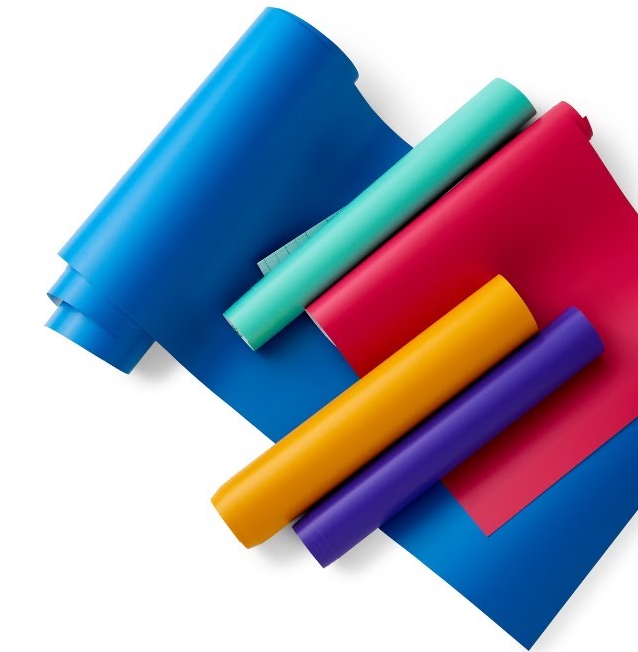
Cricut Joy Smart Materials allow you to cut spectacular individual or continuous shapes up to 11.4 cm wide and 1.20 m long, and make repetitive cuts up to 6 m long without a mat!
- When you're done designing a project, click Do It.
- Select the material you are loading into the machine from the Type drop-down menu. Design Space will tell you how much material you need. Then select Continue.
- Select your Cricut Joy machine from the Connect Machine drop-down menu.
- Select the appropriate settings for your material. Select Show all materials to find or view all supported materials.
- When a material is selected, the light at the top of the machine will flash and indicate that it is ready for the material to be loaded.
- With both hands, insert the material under the guides. Push the material until the rollers hold it.
- With both hands, insert the material under the guides. Push the material until the rollers hold it.
- For an optimal result, check that your material has straight edges.
- Once the machine has detected the material under the rollers, it measures it to ensure there is enough for your project.
- If when loading the material bends a little, the machine will try to smooth it as it measures it.
- Smart Materials can bulge when loaded. If your material is not flat at the end of the measurement process, select Download in Design Space and reload it.
11- Select Get Started in Design Space and see how the magic comes about!
12- When the cut is finished, select Download in Design Space.